 CTT Tools
How to Run CTT Tools from PowerShell on Windows 11
Start the utility with the one-line command or the downloaded winutil.ps1 file, step by step, with a fallback when the main site is unreachable.
Read full guideNine practical articles on using Chris Titus Tech's Windows Utility, from the first launch to building a custom Windows 11 image. Each guide uses short steps and explains what every change does.
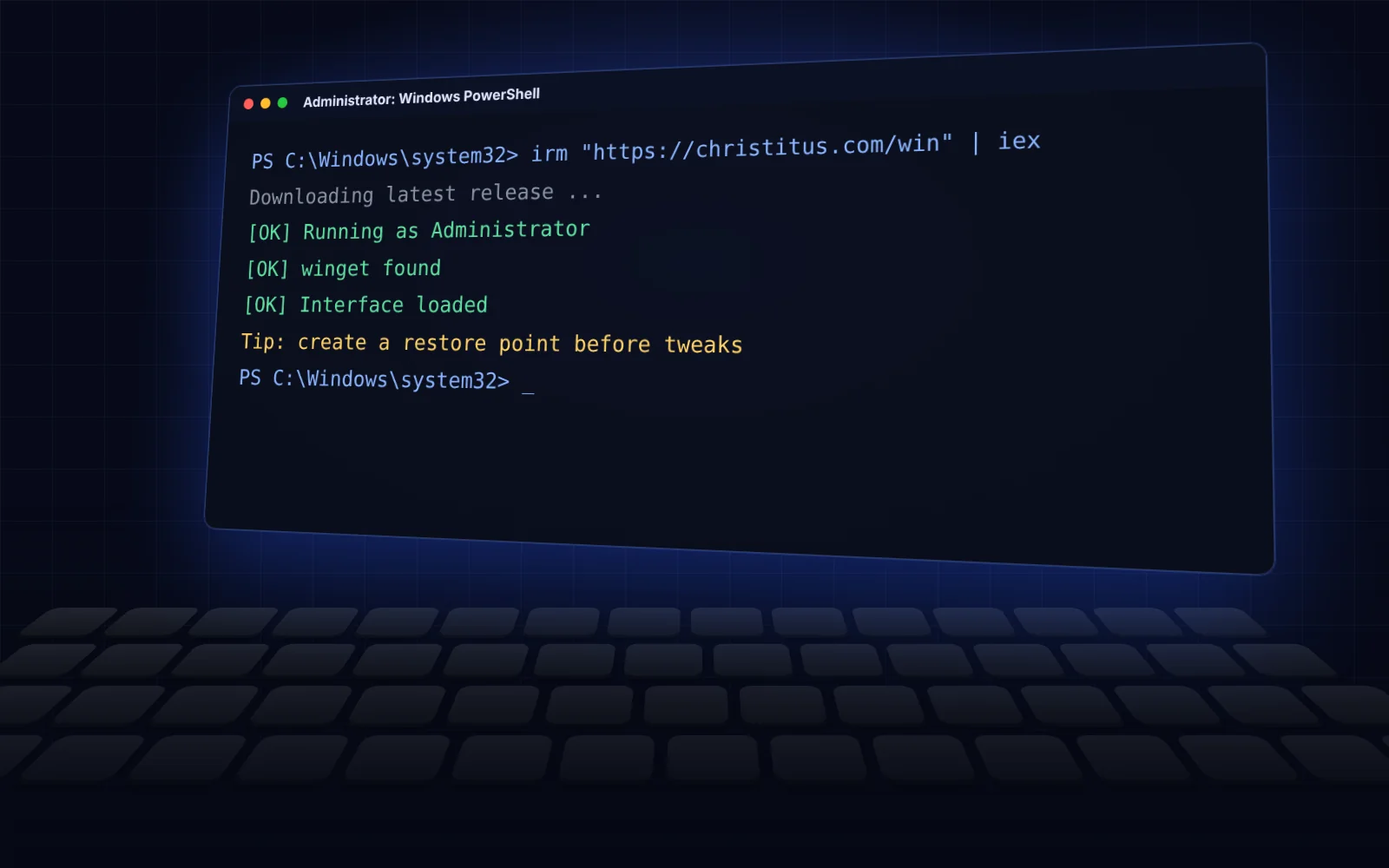 Getting started
Start the utility with the one-line command or the downloaded winutil.ps1 file, step by step, with a fallback when the main site is unreachable.
Read full guide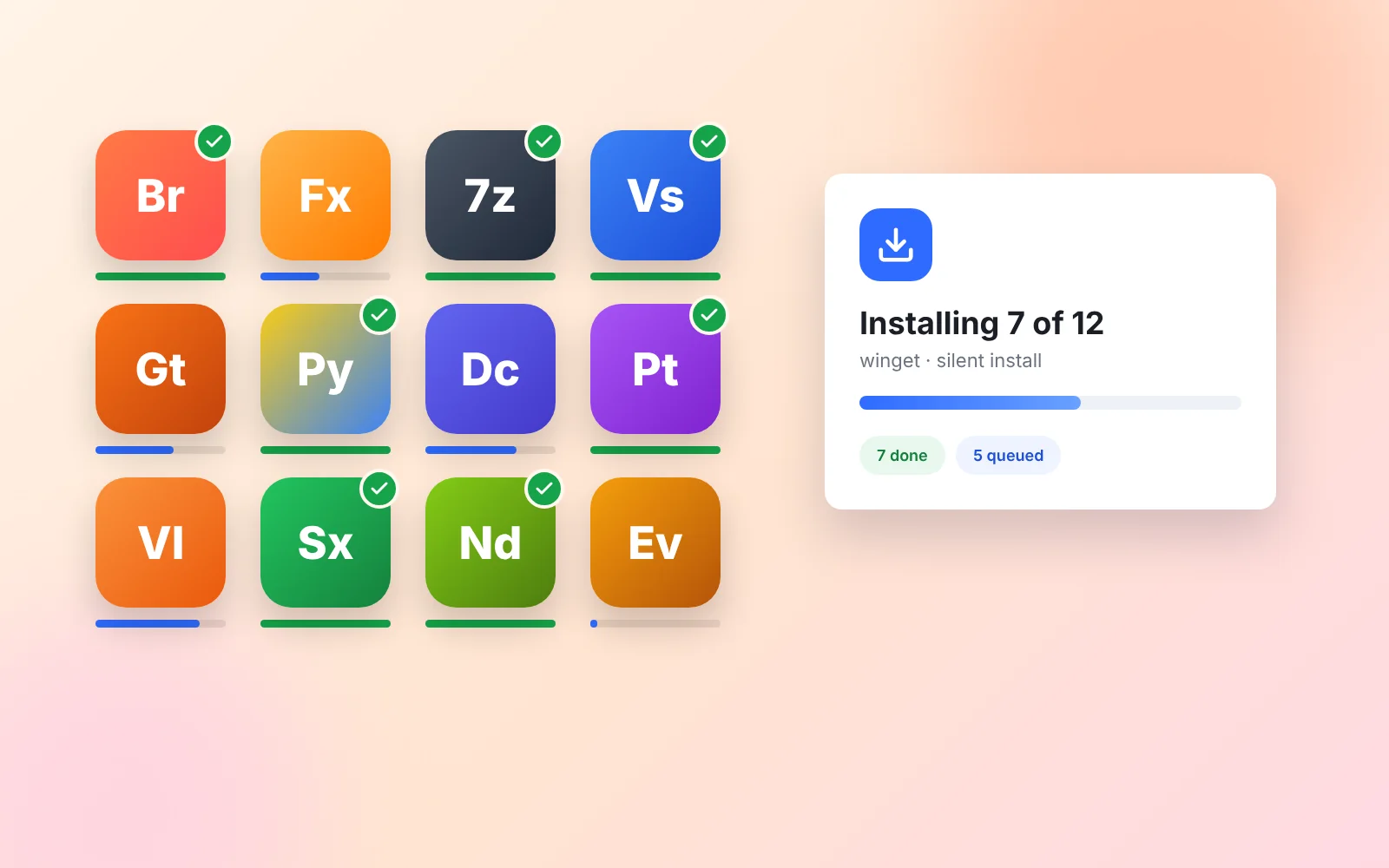 Install tab
Pick apps by category, install them in one batch through winget, see what is already installed and keep everything updated.
Read full guide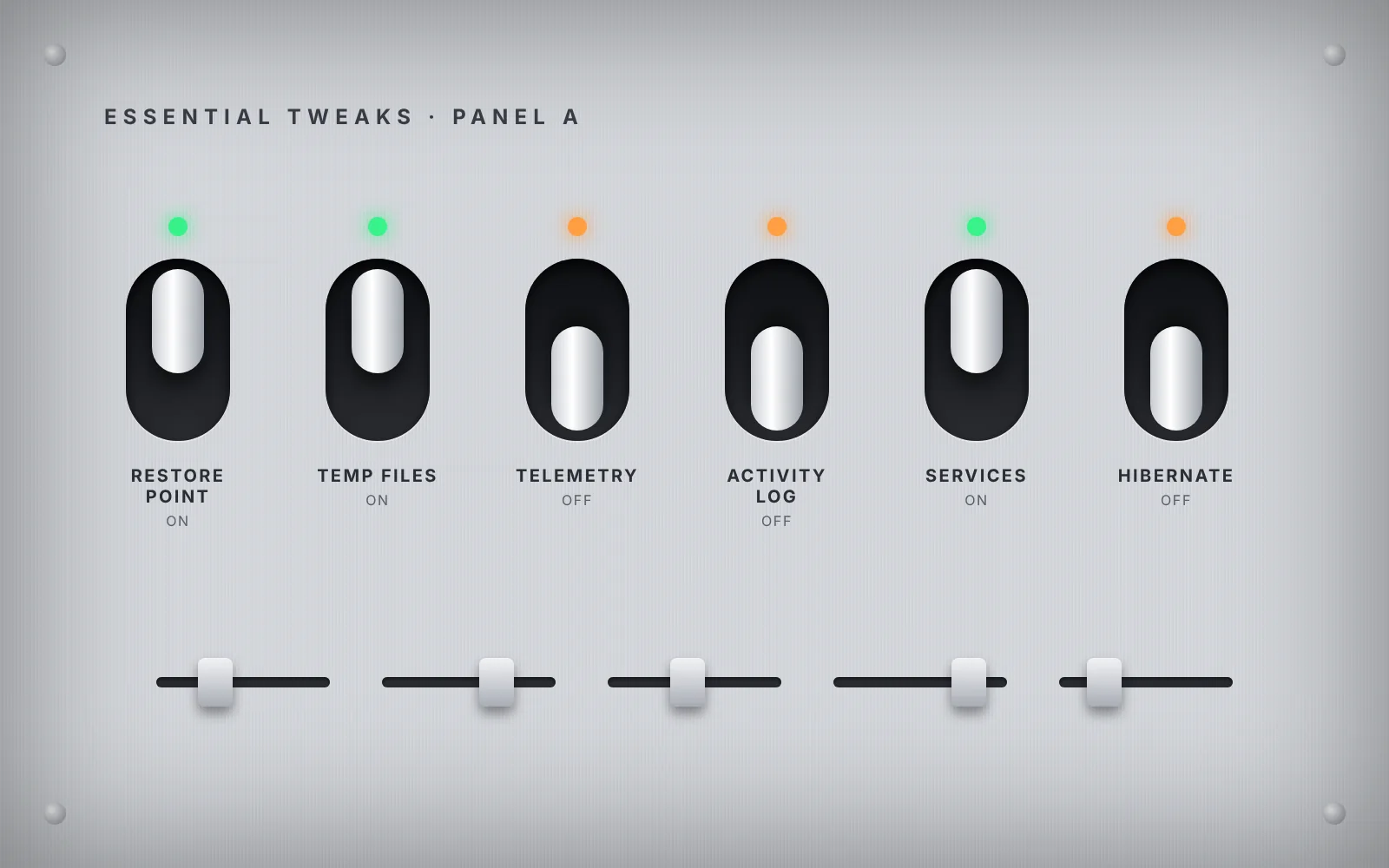 Tweaks
What the Essential, Advanced and Preference tweaks actually change, which ones to skip on a laptop, and how to apply them safely.
Read full guide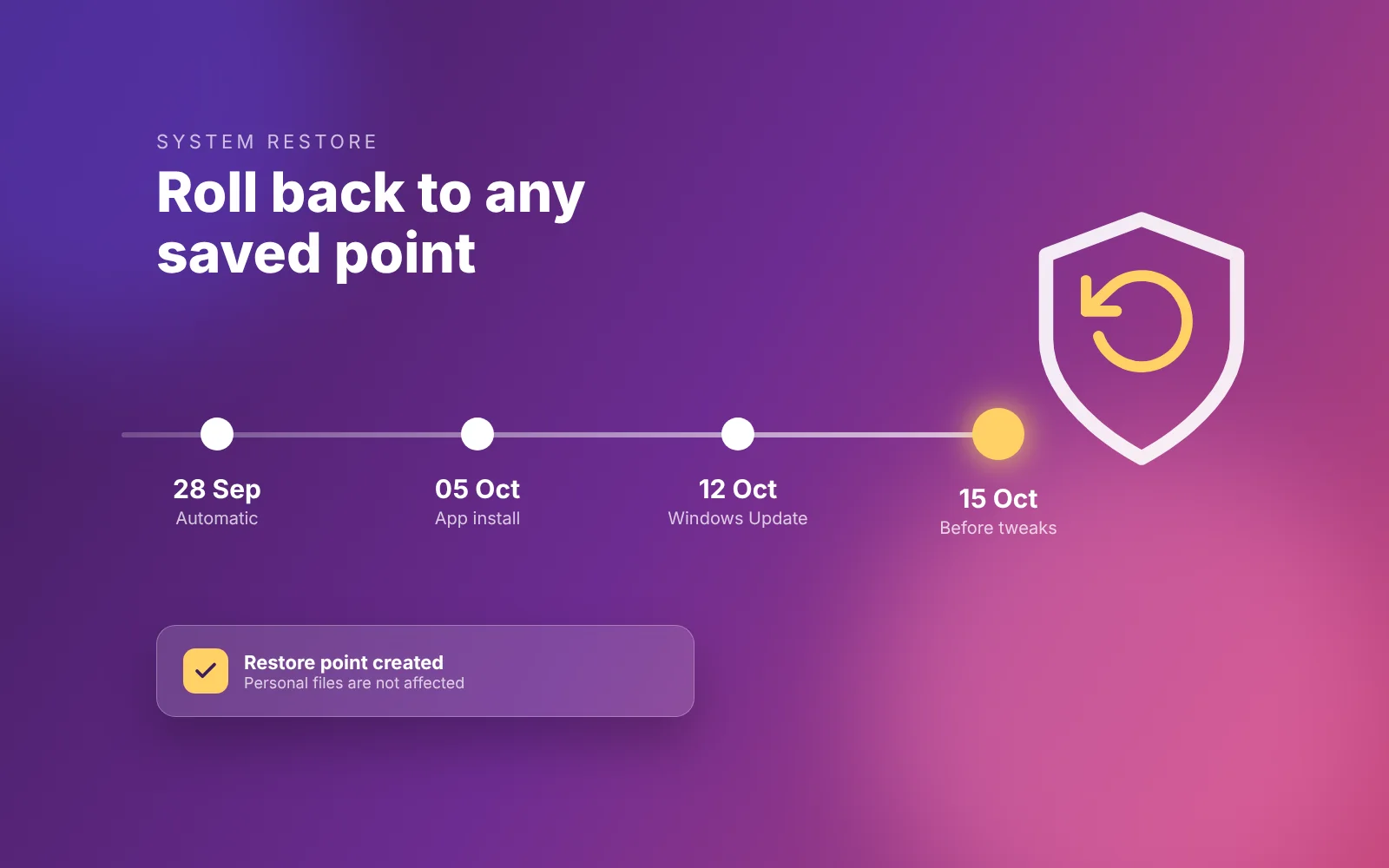 Recovery
Set up System Protection, create a restore point before tweaking, and roll back with Undo Selected Tweaks or System Restore.
Read full guide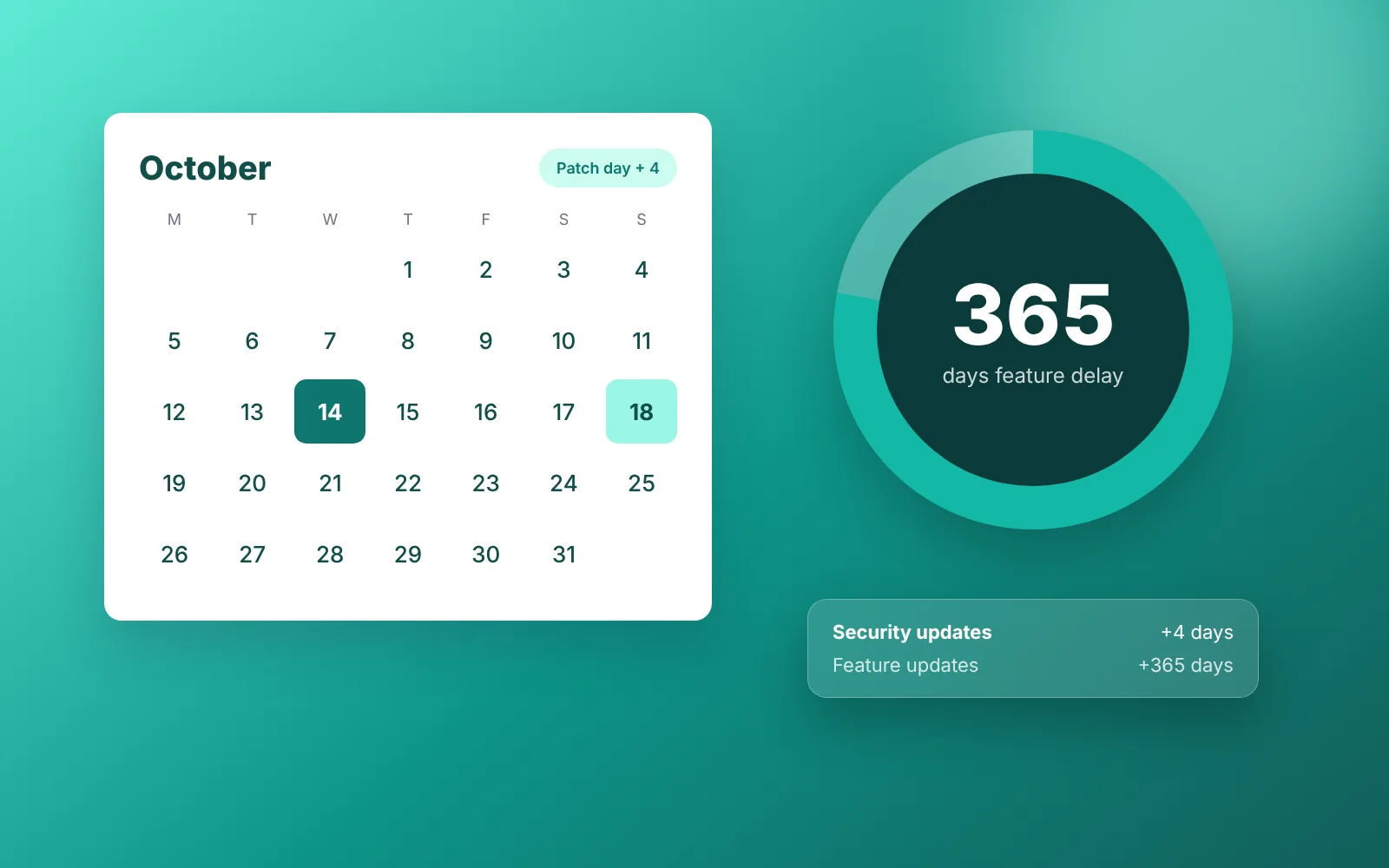 Updates
Compare the Default, Security and Disable options, see what works on Home versus Pro, and learn how to go back to defaults.
Read full guide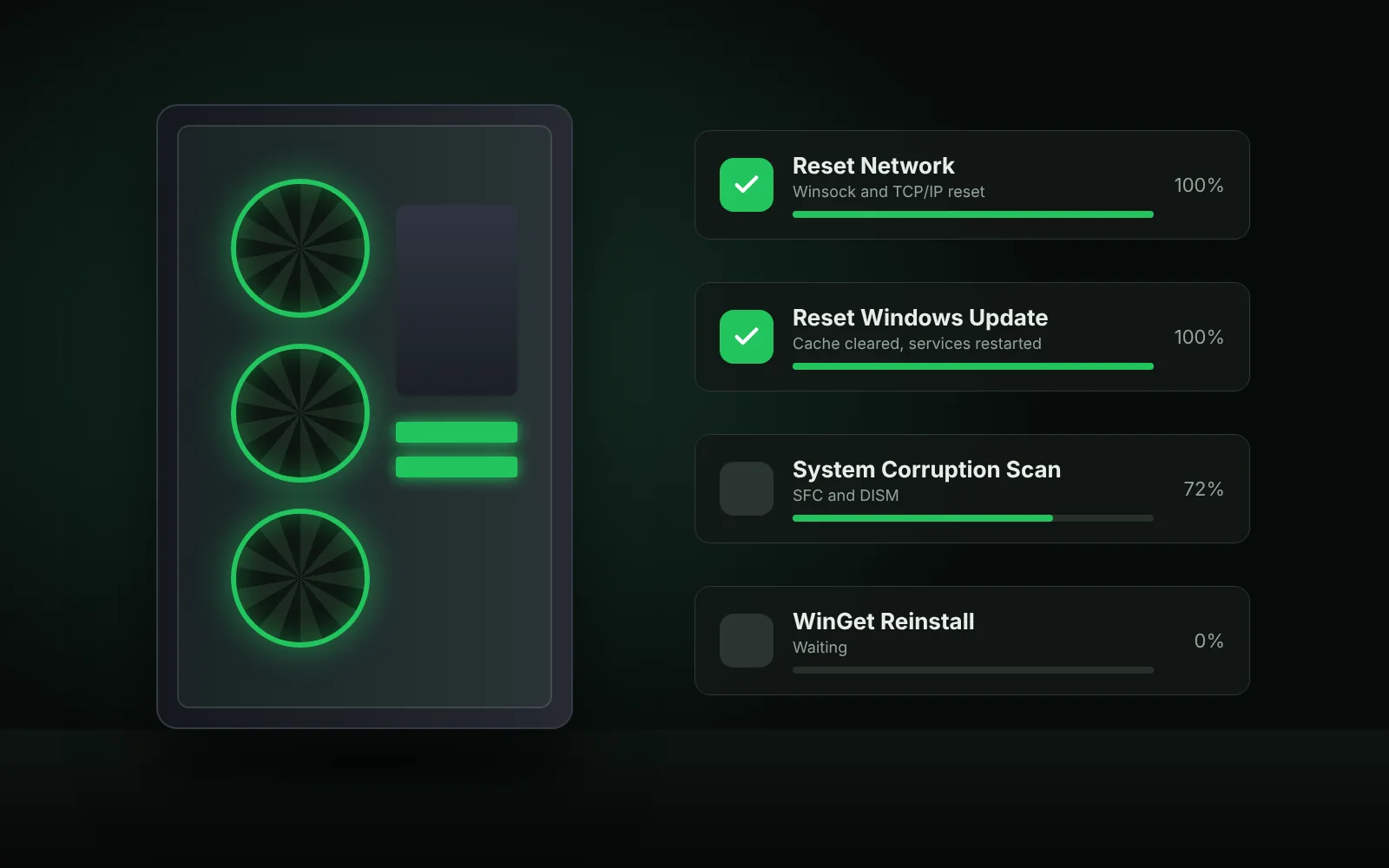 Config tab
Turn on WSL, Hyper-V and Sandbox, reset a broken network or Windows Update, run SFC and DISM, and open classic control panels.
Read full guide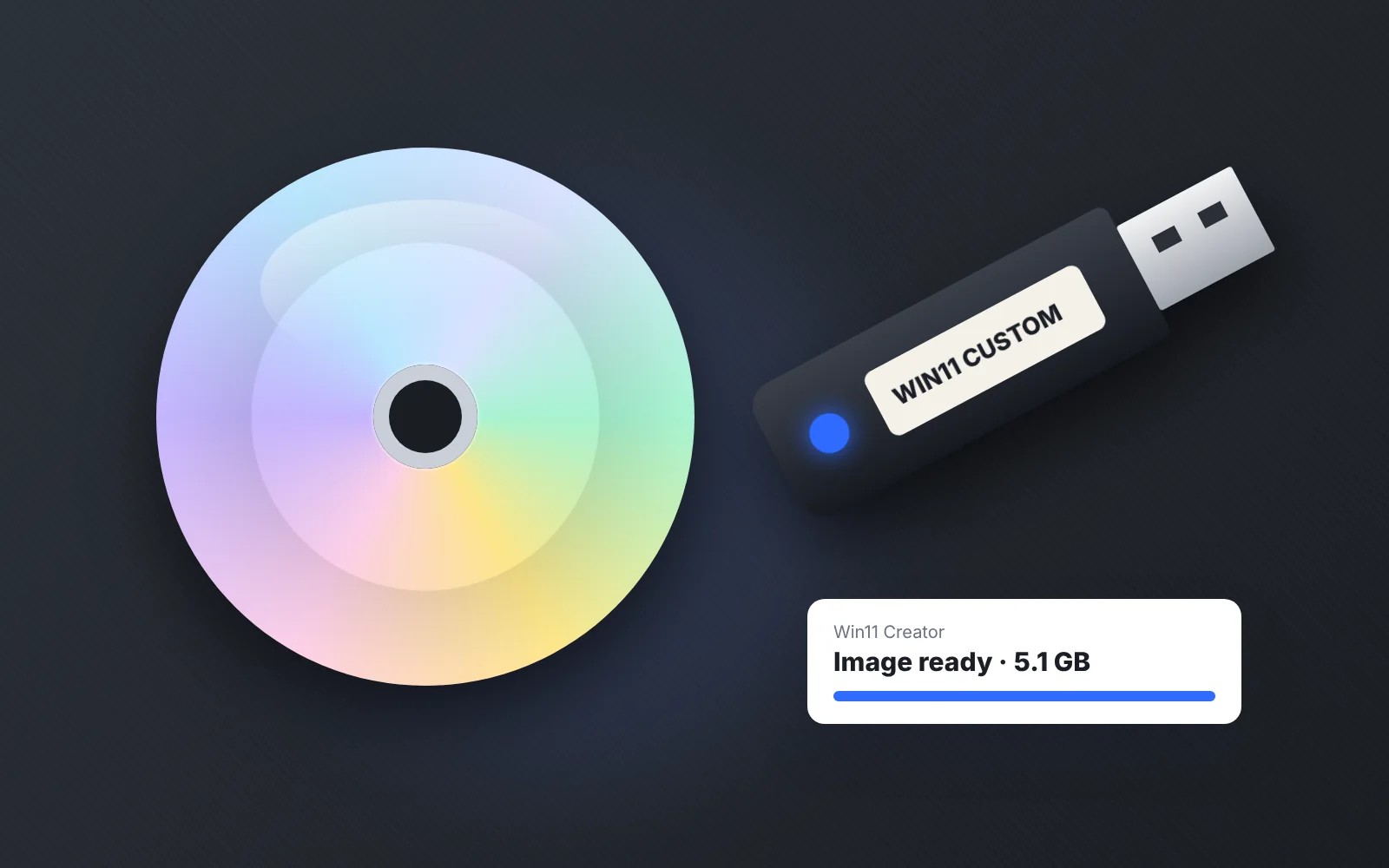 Win11 Creator
Turn an official Windows 11 ISO into a lighter image without preinstalled apps and AI extras, then save it or write it to USB.
Read full guide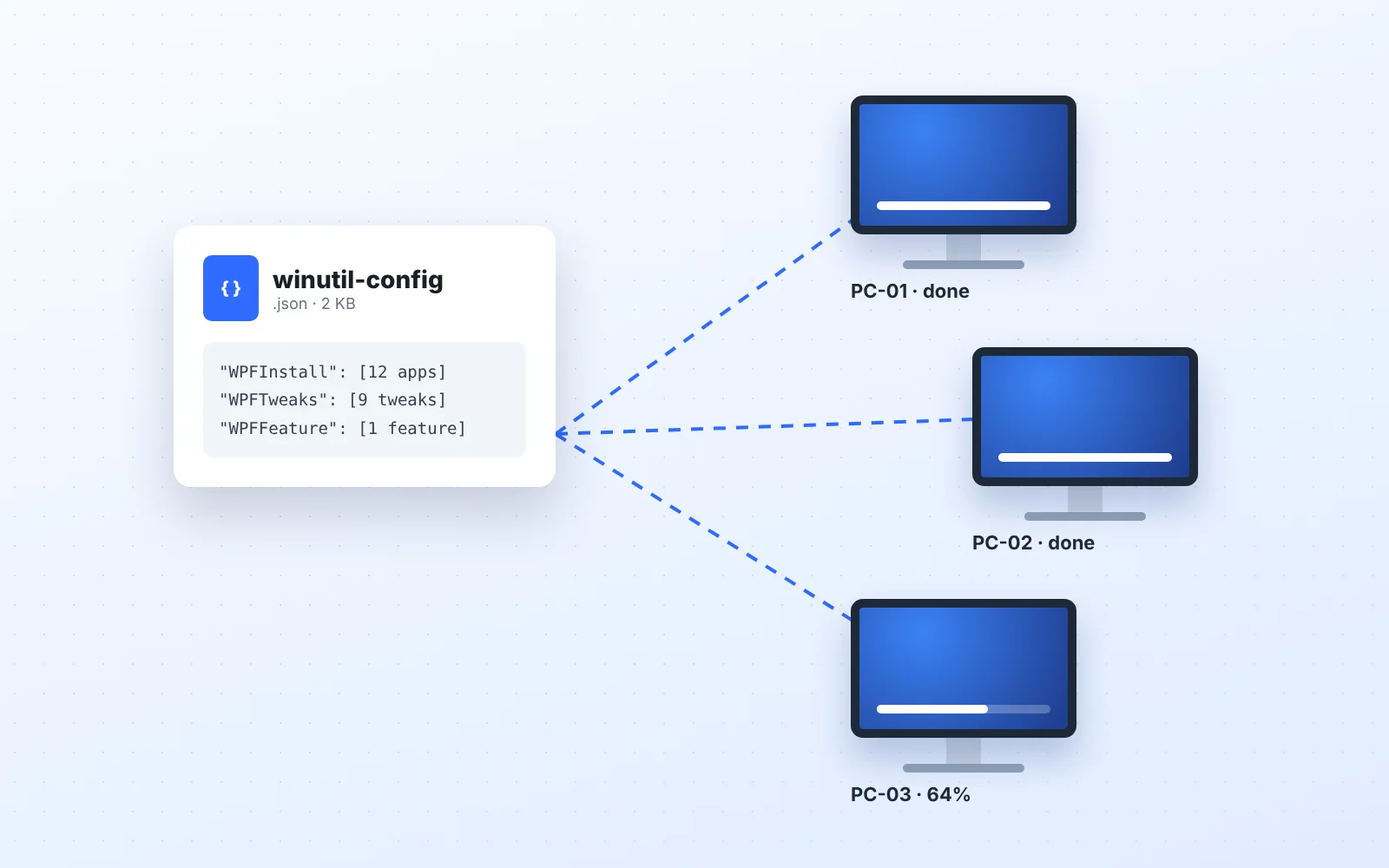 Automation
Save selected apps, tweaks and features to a JSON file, load it on another PC, and apply it automatically from the command line.
Read full guide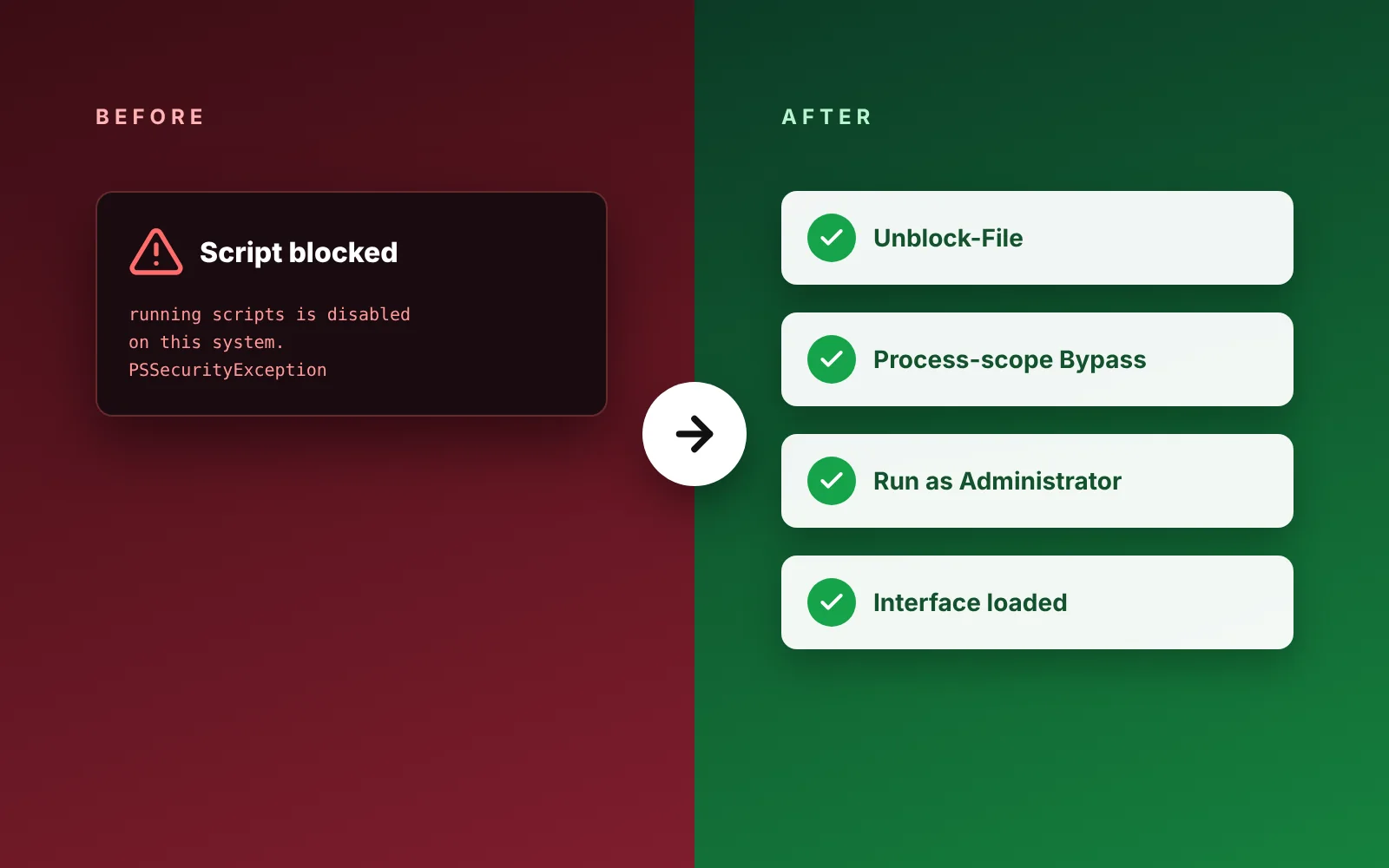 Troubleshooting
Fixes for disabled scripts, blocked downloads, TLS errors, antivirus warnings, winget failures and a window that will not open.
Read full guide