 CTT Tools
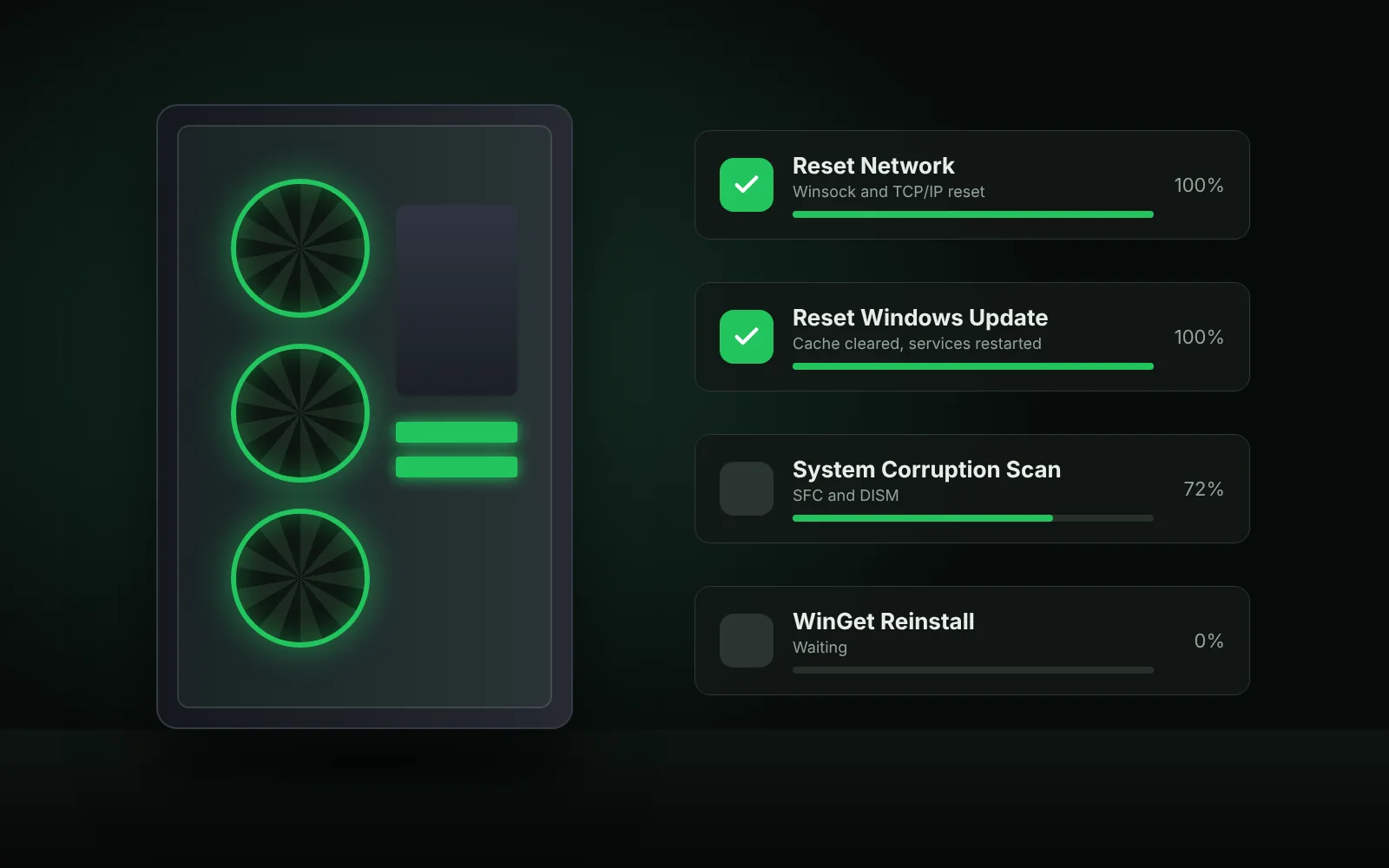
The Config tab collects Windows features, repair tools and old control panels that are otherwise hidden in different places.
Windows features in CTT Tools
Tick a feature and click Install Features. Most need a restart. Common choices:
- .NET Framework 2.0, 3.5 and 4.x – needed by many older apps and games.
- Windows Subsystem for Linux (WSL) – run Linux tools inside Windows.
- Hyper-V – Microsoft's virtual machine platform. Requires Windows 11 Pro or higher and CPU virtualisation enabled in the BIOS or UEFI.
- Windows Sandbox – a disposable desktop for testing unknown files. Also Pro or higher.
- Legacy media – Windows Media Player and DirectPlay for older software.
- NFS – connect to network shares hosted on Linux or NAS devices.
CTT Tools fixes in the Config tab
Reset Network
Resets Winsock and the TCP/IP stack. Use it when the internet works on other devices but not this PC.
Afterwards you may need to reconnect to Wi-Fi and set up any VPN again. The manual equivalent is:
netsh winsock reset
netsh int ip reset
Reset Windows Update
Stops the update services, clears the update cache folders and starts the services again. It helps when updates fail with the same error code repeatedly or stay stuck at a percentage.
System Corruption Scan
Runs the System File Checker and DISM to find and repair damaged Windows files. It can take 15 to 45 minutes.
Treat it as a last resort, not routine maintenance. The manual commands are:
sfc /scannow
DISM /Online /Cleanup-Image /RestoreHealth
WinGet Reinstall
Reinstalls the Windows Package Manager. Use it when every app install from the Install tab fails at once.
Set Up Autologin
Signs a chosen account in automatically at boot. It is handy for a media PC, but anyone who turns the computer on gets into that account.
Avoid autologin on laptops and on any PC that stores personal or work data.
Legacy Windows panels in CTT Tools
Windows 11 hides many classic panels behind the new Settings app. The Config tab opens them in one click:
- Control Panel
- Network Connections
- Power Options
- Sound
- System Properties
- User Accounts
- Printers
- Region
- Date and Time
If you prefer the keyboard, these Run commands (Win + R) open the same windows:
| Panel | Run command |
|---|---|
| Network Connections | ncpa.cpl |
| Sound | mmsys.cpl |
| System Properties | sysdm.cpl |
| Power Options | powercfg.cpl |
| Programs and Features | appwiz.cpl |
Which CTT Tools fix to try first
- No internet on one PC only: Reset Network.
- Updates keep failing: Reset Windows Update, then run Windows Update again.
- Random crashes or broken system apps: System Corruption Scan.
- App installs all fail: WinGet Reinstall.
Restart after each fix before you try the next one. More error-specific help is in the troubleshooting guide.